How to look up an order video
Last updated: April 6, 2026
In the upper-right corner of Rabot Portal, use the search bar to look up an order.
You can search for an order using either the Order ID or Tracking Number. The most relevant results will appear at the top—scroll through to locate the best match.
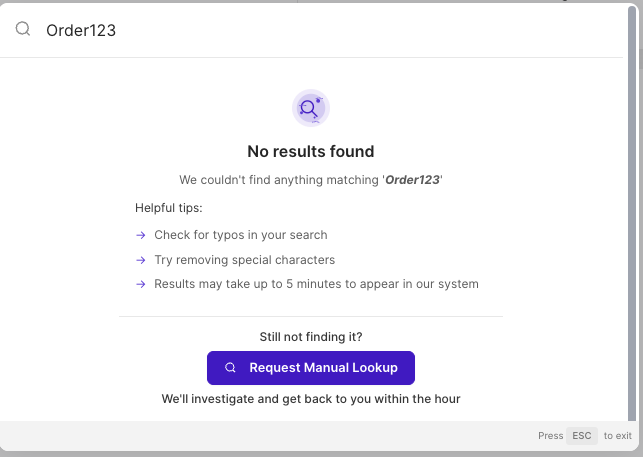
NOTE: Order lookup by tracking number is only available for customers with a full WMS integration. Contact sales for more infoNote, if you can’t locate the order, you can submit a manual lookup request to our team to carry out an investigation. In the screenshot below, click “Request Manual Lookup.”