Instructions SOP
Last updated: April 6, 2026
Pulse’s Instruction Standard Operating Procedure (SOP) module puts an order‑specific playbook right at your fingertips, turning every packer into a brand‑standards champion.
To get started follow these steps:
In the Rabot Admin Console, select Instructions on the top navigation menu.
At the bottom‑right, click the plus sign (➕) to add a new instruction SOP.
In the Add New Procedure panel, choose the Client the SOP belongs to, then click Continue.
Upload the SOP content: You can upload a video or a PDF file.
Video – select a pre-recorded Rabot video.
PDF – select the document from your computer.
Click Continue when the file finishes uploading.
Toggle Active (blue) to publish the Instruction SOP.
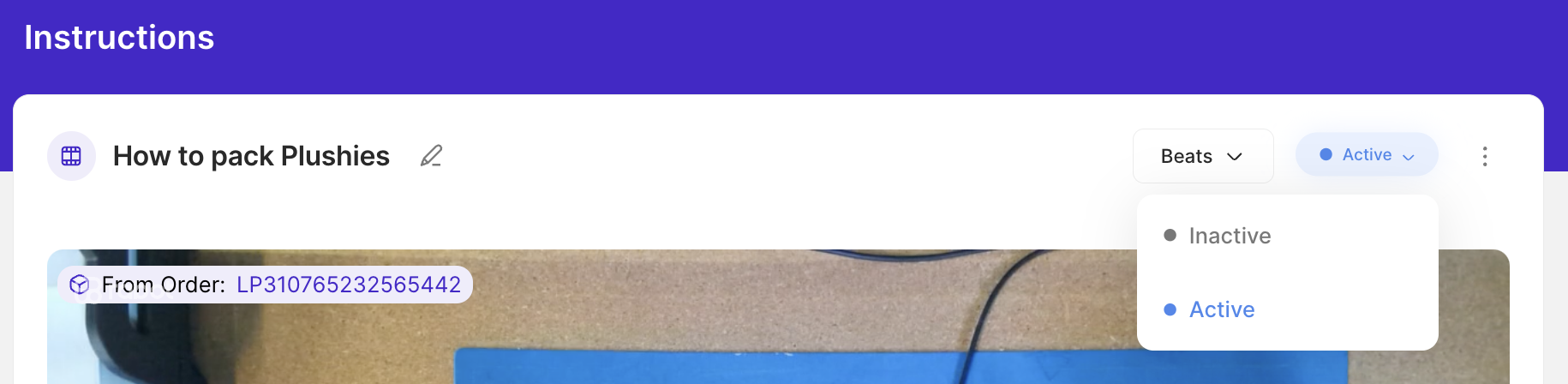
Once active, the relevant tagged SOP will automatically surface in Pulse whenever a packer clicks into the Instructions modal for an order tied to that Client.
Below video will walk you through the above steps:
Why it matters: Activated instruction SOPs surface automatically in Pulse during packing, so every packer follows the right playbook—cutting errors, training time, and rework to nearly zero.